
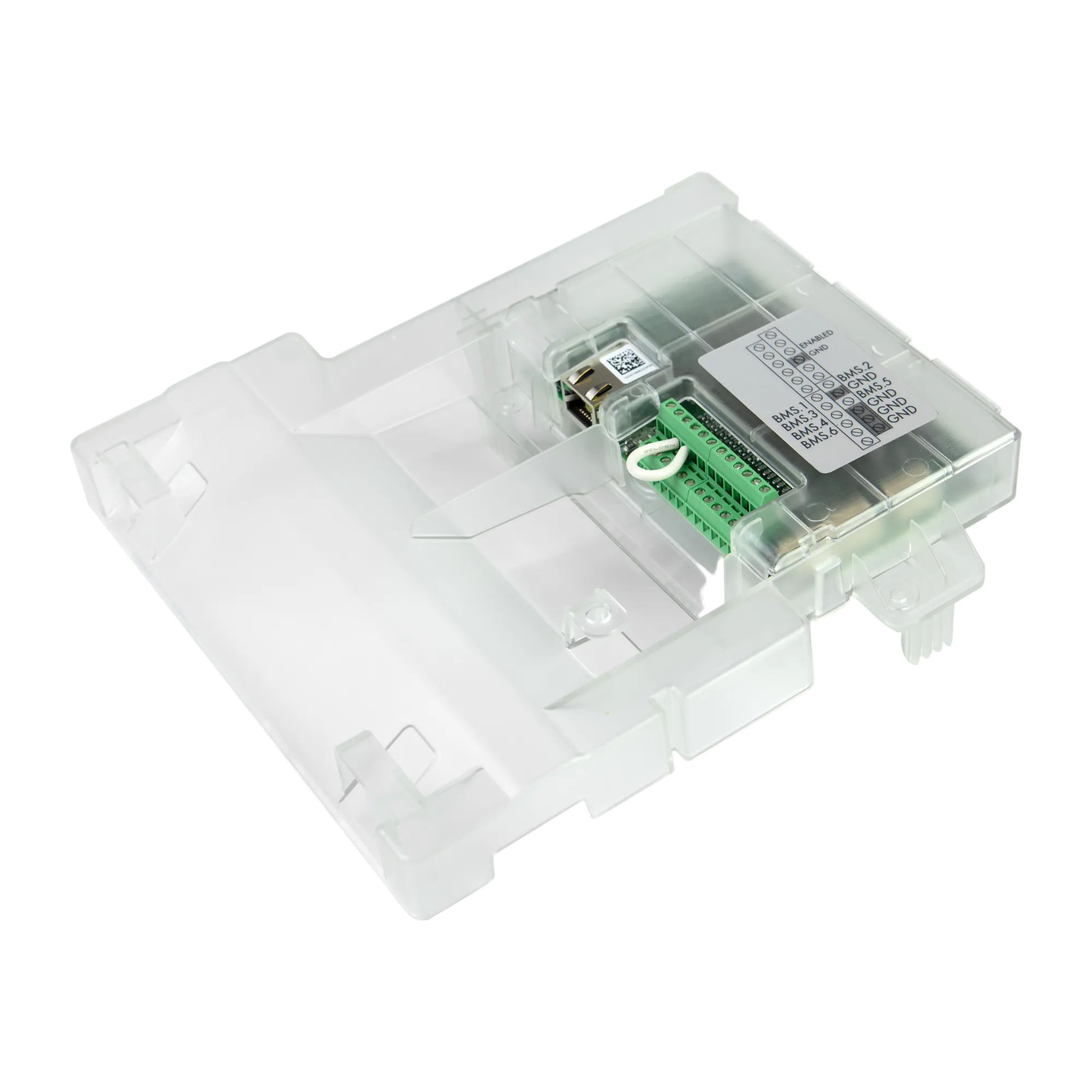
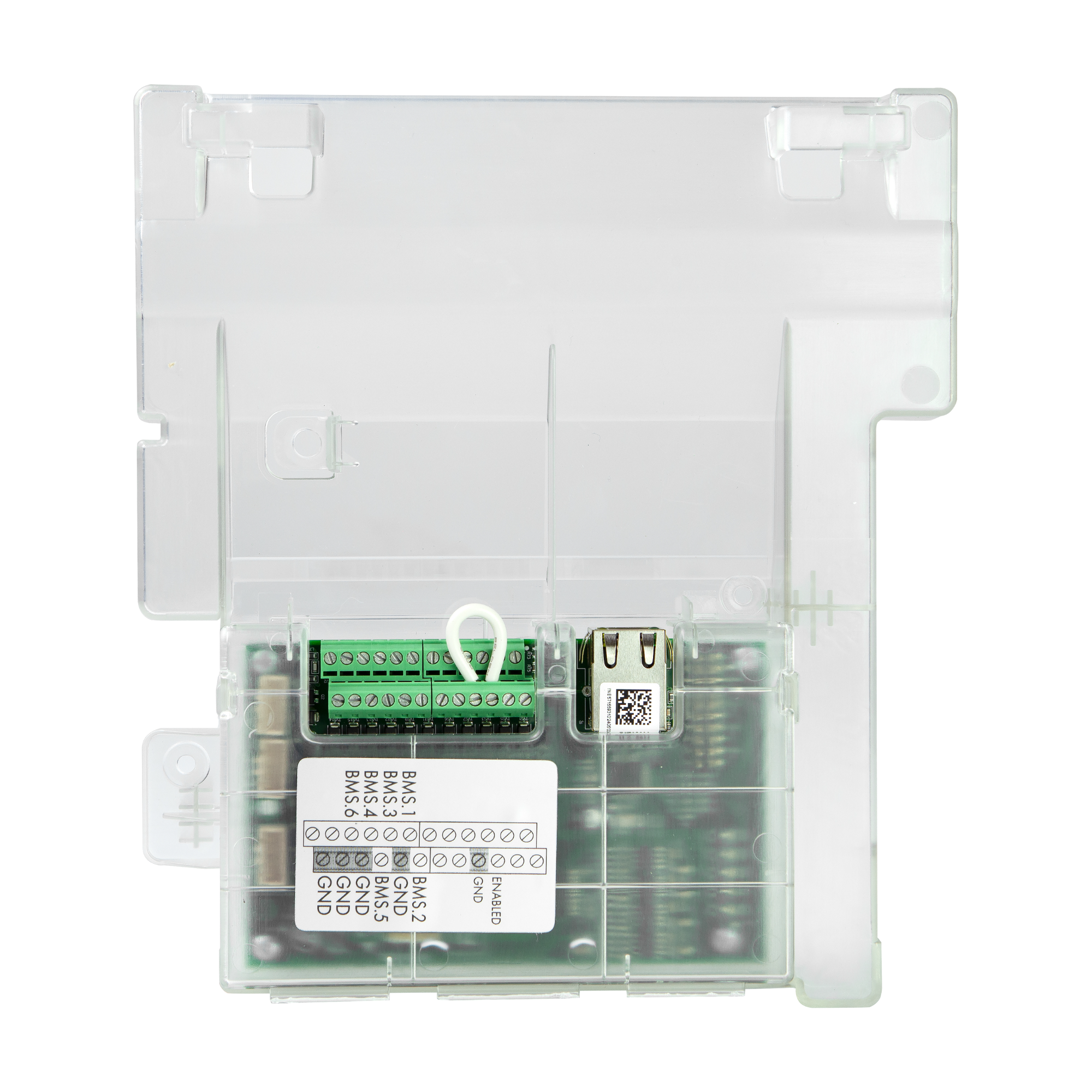
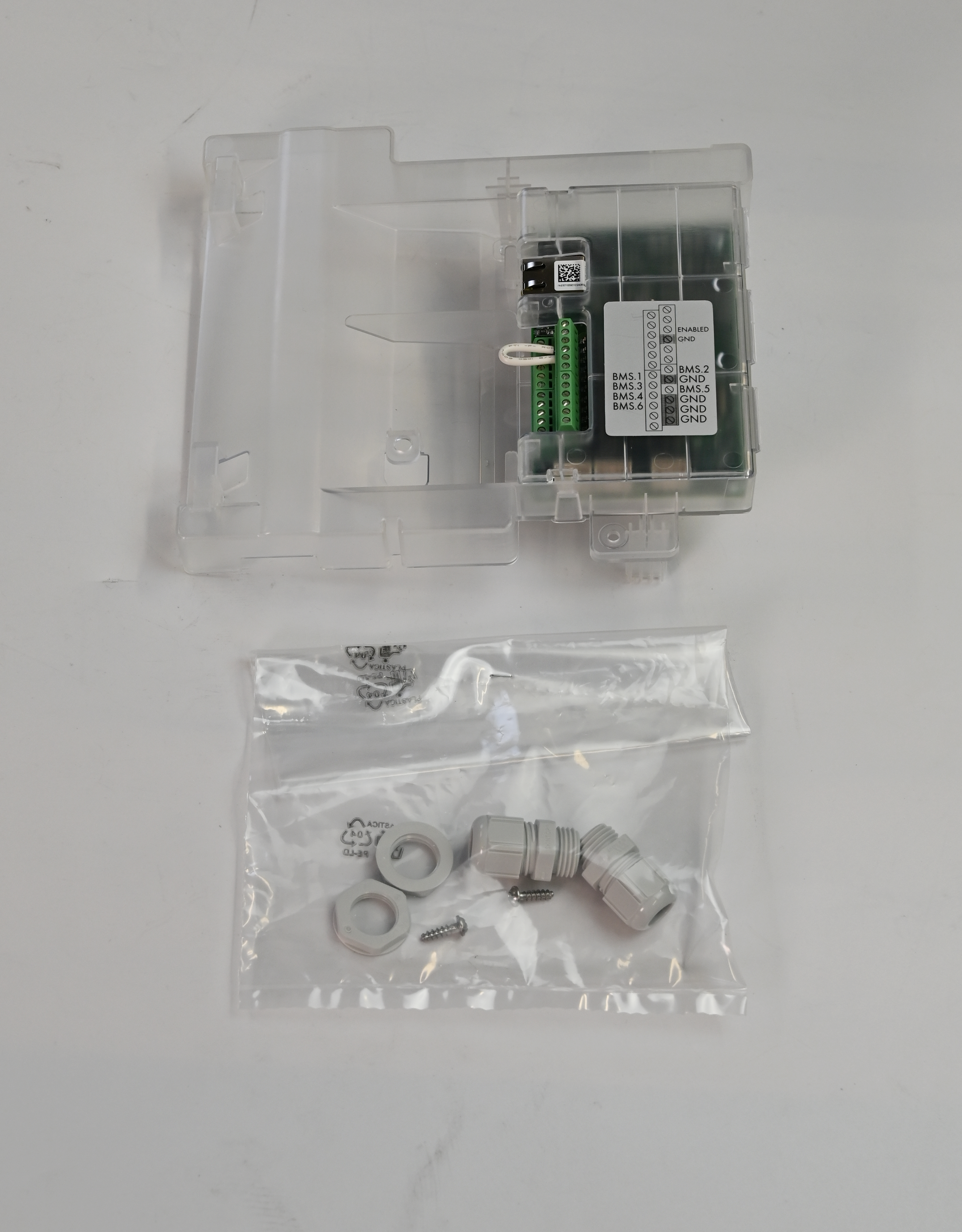

Seamless Ethernet Integration:
Designed for Bromic’s On/Off and Dimmer Controllers (1-Channel & 2-Channel models), the Expansion Board enables secure, hard-wired ethernet connectivity for improved reliability and network stability.
KEY FEATURES
Controller-Powered Efficiency:
No external power supply is required. The Expansion Board installs directly inside the controller, receiving power through the unit itself for a clean, low-maintenance setup.
Simple, Secure Installation:
Custom-molded to fit snugly into the controller housing. Includes two mounting screws for a tight, professional fit.
Exclusive BMS Mode Activation:
A blue jumper cable (included) activates BMS mode and disables app usage—allowing the connected automation system full control over your heaters.
Smart-Home Friendly:
Google Home and Amazon Alexa do not require the Expansion Board. These platforms integrate directly through the Bromic Smart-Heat App.
FAQs
Do I need the Expansion Board with my controller?
Only if you require ethernet connectivity or plan to use 0–10V BMS/Home Automation integration. For 5-Channel controllers, this feature is already built in.
How does the Expansion Board fit?
It slots directly into the controller and secures with two screws for a stable internal mount.
Does it need its own power source?
No. It draws power directly from the controller.
Can I use the app while in BMS mode?
No. Once BMS is activated, app functionality is disabled so the automation system can take full control.
Is it compatible with other smart devices or sensors?
Yes. It accepts a standard 0–10V signal that your home or building management system can configure.
Do I need it for Google Home or Alexa?
No. Both platforms integrate via the Bromic Smart-Heat App without requiring the Expansion Board.
How do I activate BMS connectivity?
Use the included blue jumper cable. When connected properly, BMS mode is enabled and app functionality is disabled.
Choose options